Home Assistant washing machine monitor
Sometimes things sound trivial until you have to live with them. I spend most of my day in my office on the first floor. The washing machine and dryer are in the basement. Which is pretty neat as you cannot hear them, but it also means you got no idea when they are done. And I was sick of walking downstairs two or three times or waiting for three minutes that turned into 6, because none of these devices can calculate the correct remaining time.
I could technically give the appliances wifi access and integrate Mieles official third party API. But there is a hill I will die on and it is that my fridge, washing machine, etc. do not need wifi and will under no circumstances get wifi. If I ever run a bot net out of this house it will be my own. Sonoff is my goto vendor for Zigbee devices. Price to performance is excellent. So I got two 4kW smart plugs.
The Home Assistant setup is a bit more involved than I thought. There might be an easier way to do it, but this one worked for me. First we create a helper that keeps track of the device status.
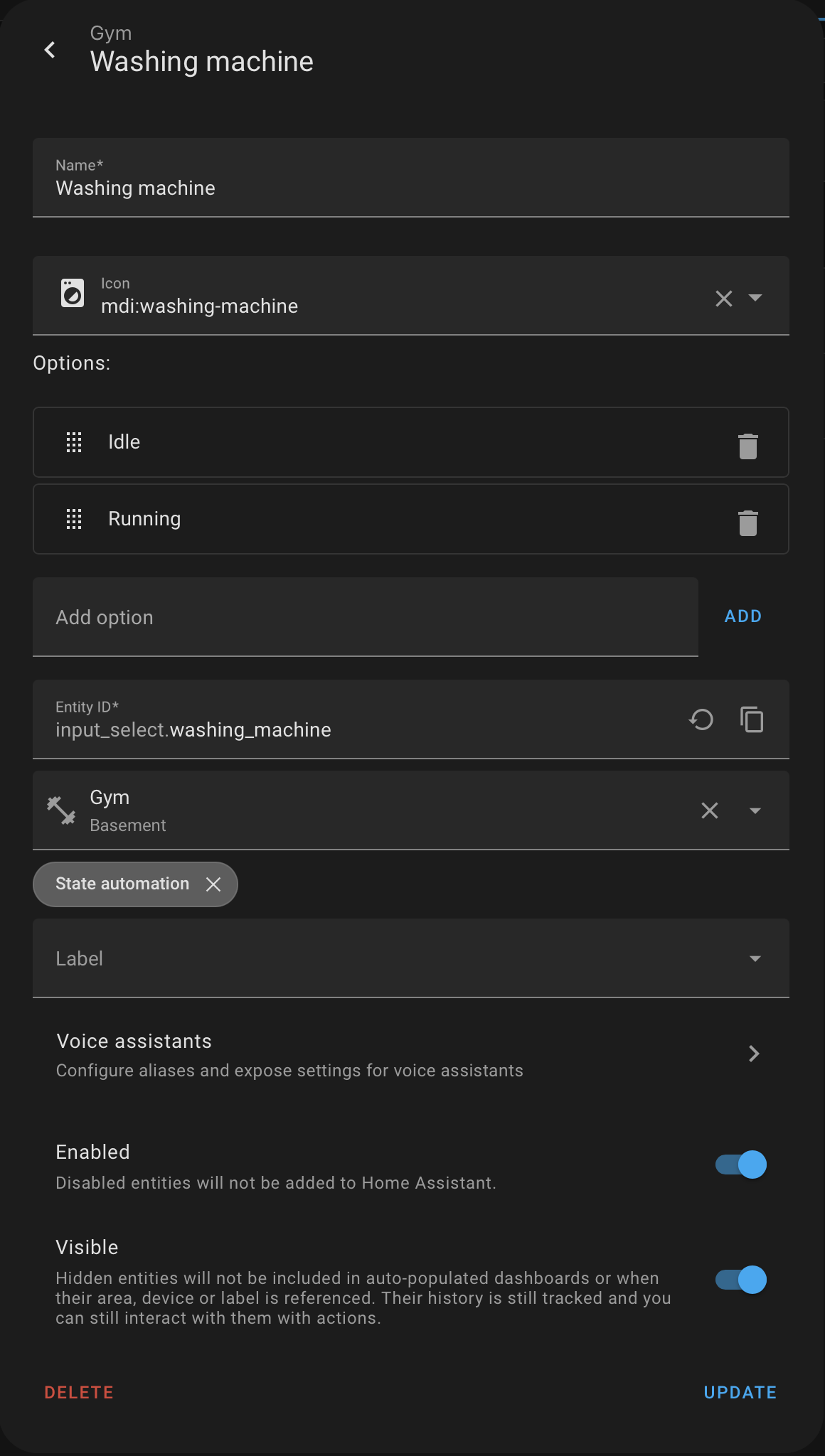
Said helper is set up in Settings - Devices - Helpers. Give it a name and two options, Idle and Running. Ignore the name of the room, I already set it up as "gym" because that is the important part of that room.
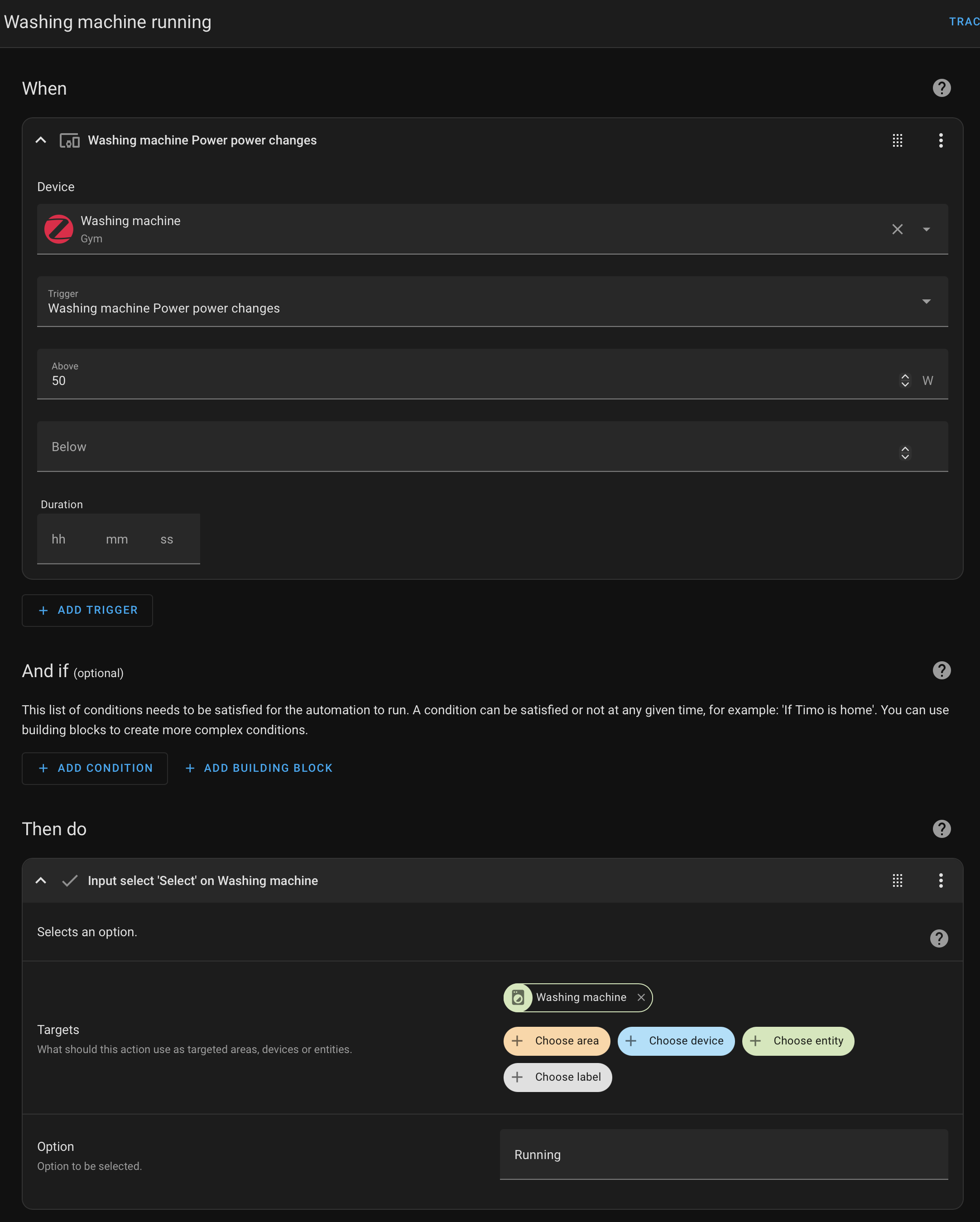
Then we add one automation that triggers when the washing machine uses more than 50W and set the helper to Running.
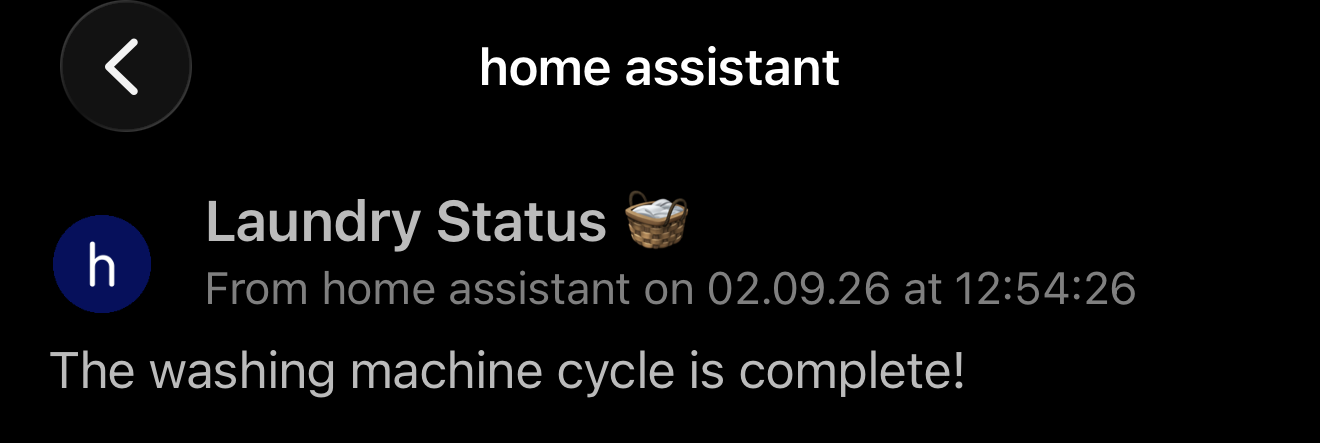
The second automation triggers when the machines power consumption drops below 10W and the status is Running. There are two actions, one to set the helper to Idle and one to send a notification via pushover.
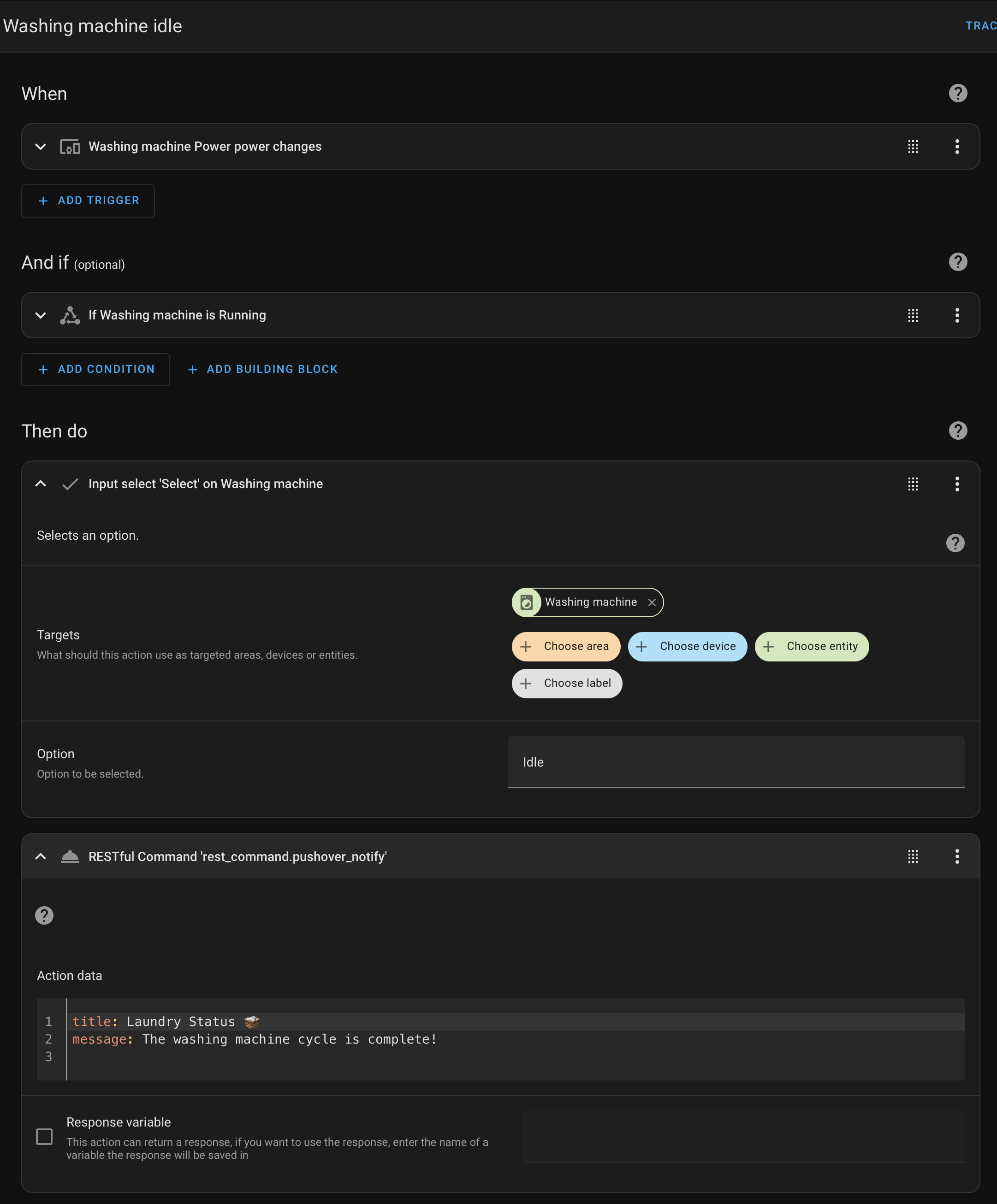
The rest command cannot configured via UI, so you have to edit your HAs configuration.yaml.
rest_command:
  pushover_notify:
    url: "https://api.pushover.net/1/messages.json"
    method: POST
    content_type: "application/x-www-form-urlencoded"
    payload: >-
      token=appToken&user=userTOken&message={{ message | urlencode }}&title={{ title | default('Home Assistant') | urlencode }}
You will also have to set the action to "edit in YAML" in the UI, otherwise you cannot pass the title or message to it.
Overall not the most pleasant way to handle this, as you have to type the states for the helper manually and do some YAML edits, but it is working and it definitely beats staring at a washing machine or dryer for 5 minutes.